Vector files you can open and keep editing.
Every part has a name and every filled shape is closed. For your printer, your designer, or you. Upload an image, see your price in seconds, and get your first proof within 24 hours.
Editable source files: AI, SVG, PDF, PNG
- Pay only when you approve
- First proof within 24 hours
- Free fixes for 7 days
- Printer rejected it? Fixed free for 30 days
Pixels, no paths
OriginalColors here only tell blocks apart.
Loading…
Point at a layer to highlight it on the canvas. The eye hides it.Tap a layer to highlight it on the canvas. Tap the eye to hide it.
Layers
DrealityAI vectorizer site
(unnamed group)
No layer names to switch on or off.
Sharp original of this test image. Customers send only the small JPEG; we use this to check our work.
Where we follow the design, not the pixels
At normal size both files look close to the original. Zoom in and a few corners differ. We checked each spot against the sharp original of the same test image.
AI vectorizer site
Dreality
Same test image, one run each. AI vectorizer site at default settings, Oct 2026. The gaps above are about 0.5 px of the original, so zoom to 800% or more.
Auto-trace: open-source tracer, default settings
An AI vectorizer website, default settings, Oct 2026. Name withheld.
Fewer anchor points: fewer to move when you edit.
Every part is a named group.
AI file also has a full-page background shape, not drawn here.
Auto-trace file also has a full-page background shape, not drawn here.
- Anchor point
- Closed shape
- Gap-filler line (stroke only, not a closed shape)
- A rounded corner takes 2 anchor points; a sharp one takes 1.
Dreality26 named groups · 27 paths
AI vectorizer site1 unnamed group · 366 paths
Named groups · closed filled shapes · one group per ink
Label · $29 · your first image $15 See all examples Source files included (AI, SVG, PDF, PNG)
Find an image like yours.
More views at the top of the page
Pixels, no paths
OriginalColors here only tell blocks apart.
Loading…
Point at a layer to highlight it on the canvas. The eye hides it.Tap a layer to highlight it on the canvas. Tap the eye to hide it.
Layers
DrealityAI vectorizer site
(unnamed group)
No layer names to switch on or off.
Sharp original of this test image. Customers send only the small JPEG; we use this to check our work.
Where we follow the design, not the pixels
At normal size both files look close to the original. Zoom in and a few corners differ. We checked each spot against the sharp original of the same test image.
AI vectorizer site
Dreality
Same test image, one run each. AI vectorizer site at default settings, Oct 2026. The gaps above are between 0.4 and 0.9 px of the original, so zoom to 800% or more.
Auto-trace: open-source tracer, default settings
An AI vectorizer website, default settings, Oct 2026. Name withheld.
Fewer anchor points: fewer to move when you edit.
Every part is a named group.
AI file also has a full-page background shape, not drawn here.
Auto-trace file also has a full-page background shape, not drawn here.
- Anchor point
- Closed shape
- Gap-filler line (stroke only, not a closed shape)
- A rounded corner takes 2 anchor points; a sharp one takes 1.
The usual route for a simple logo: tracer subscription + printer rejection + paid fix ≈ $15–45 and 2–4 days (estimate)
Dreality, simple logo: $19 · proof in 24 h · pay on approval
Detailed illustration: $59–79, quoted on upload
Files your printer will accept.
- One layer per ink, spot colors named
- Text converted to outlines
- No gradients, no lines thinner than your printer allows
- AI
- SVG
Printer already rejected a file? We fix existing files too — upload it with their note.
- A closed cut line in a named spot color
- Bleed and safe area set to your shop’s numbers
- Text converted to outlines
- SVG
- PNG
Printer already rejected a file? We fix existing files too — upload it with their note.
- One closed path for every cut, with no open ends
- No overlapping or duplicate paths, so the machine passes once
- SVG plus a DXF copy
- SVG
- DXF
- AI
Printer already rejected a file? We fix existing files too — upload it with their note.
- A transparent-background PNG, ready to place
- Flat colors with clean edges
- The vector source comes with it
- PNG
- SVG
- AI
Printer already rejected a file? We fix existing files too — upload it with their note.
- SVG and PNG, sharp at any size
- Every logo variant in one set
- A reversed version for dark backgrounds
- SVG
- PNG
Printer already rejected a file? We fix existing files too — upload it with their note.
Print-method pages: Screen printingStickersCricut & laserPromo items
Every order includes: AI · SVG · PDF · PNG, logo variants, color table, one-page print report. The SVG opens with named groups.
How it works
- Upload
- See your price
- Submit — nothing is charged yet
- Review your proof
- Approve, then pay and download
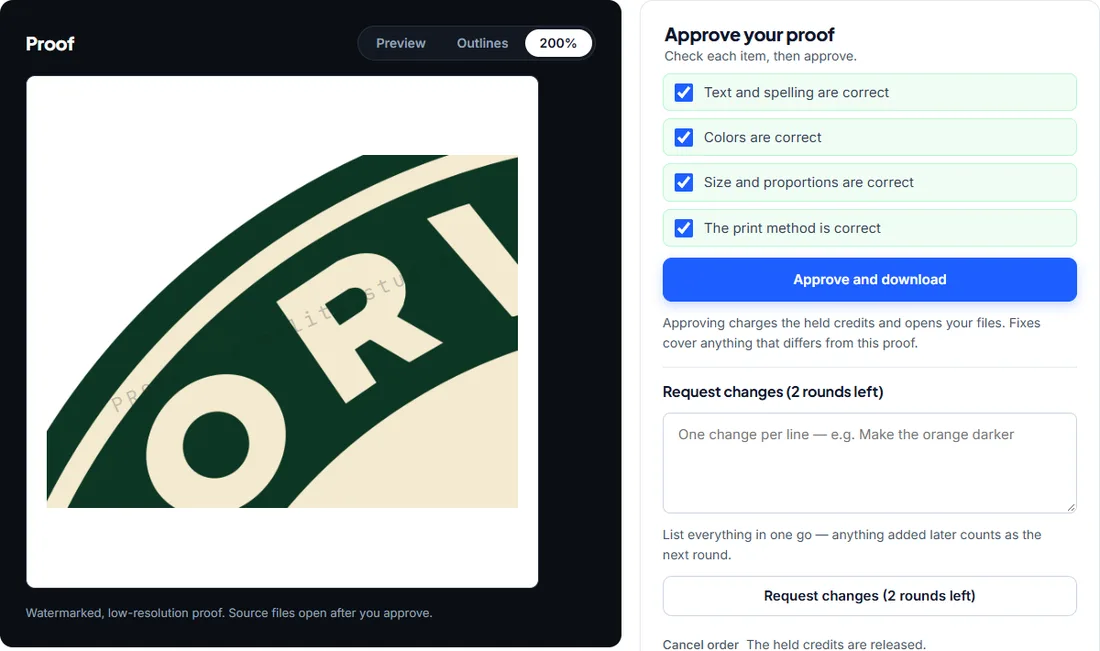
You only pay once you approve the proof.
Questions
Is this just an auto-trace?
No. The auto-traces we tested gave one unnamed pile of shapes. On our HALVENBY test image, an AI vectorizer site at default settings returned 1 unnamed group and 23 paths, 11 of them stroke-only gap-filler lines. Ours opens as 9 named groups, all filled shapes closed. We also fix the flaws in the source image, set the file up for your print method and check it against printers’ published requirements. You approve a proof before you pay.
Can my designer keep editing the file?
Yes. The SVG opens with each part as a named group. Click one and recolor it without touching the rest. A small change you’d rather not make yourself is $5.
Can you work from a photo?
You choose. We can turn it into a Line art or Flat illustration (4–8 colors), which works with every print method. It looks like an illustration, not a photo. Or we keep the photo as a print-ready bitmap and redraw the text and graphics around it. More in the FAQ
What if my printer rejects the file?
Send us the printer’s note, as an email or a screenshot, within 30 days of delivery. We change the file to meet what the note says, free. This holds even if you didn’t tell us the requirement when you ordered. Without a printer’s note, we treat the request as an ordinary change. The button on your order page closes automatically after 30 days.
Who owns the files?
You keep all rights to your artwork. Once you approve the proof, the delivered files are yours to use for any purpose. You confirm that you have the right to have the artwork redrawn (see section 6).
How does payment work?
You pay when you submit the order, by PayPal or any card (no PayPal account needed). The amount is held, not spent: it is used only when you approve the proof. If you cancel before approving, it is released back to your account, and anything unused can be refunded. Your first image costs less, from $10.
What if I don't like the proof?
You can ask for changes in up to two rounds. List everything in one go, because items added later count as the next round. If it still isn’t right, cancel the order and the held payment is released. Cancelling more than two orders with the same email address or payment method means later orders are charged when you submit them. See the terms.
Your first image from $10
- Pay only when you approve
- First proof within 24 hours
- Free fixes for 7 days
- Printer rejected it? Fixed free for 30 days